DarkCoder for Windows
An AI coding agent with its own editor, terminal and git. Use DarkCoder's models or bring any provider's key, extend it with MCP servers, and use it from the command line too.
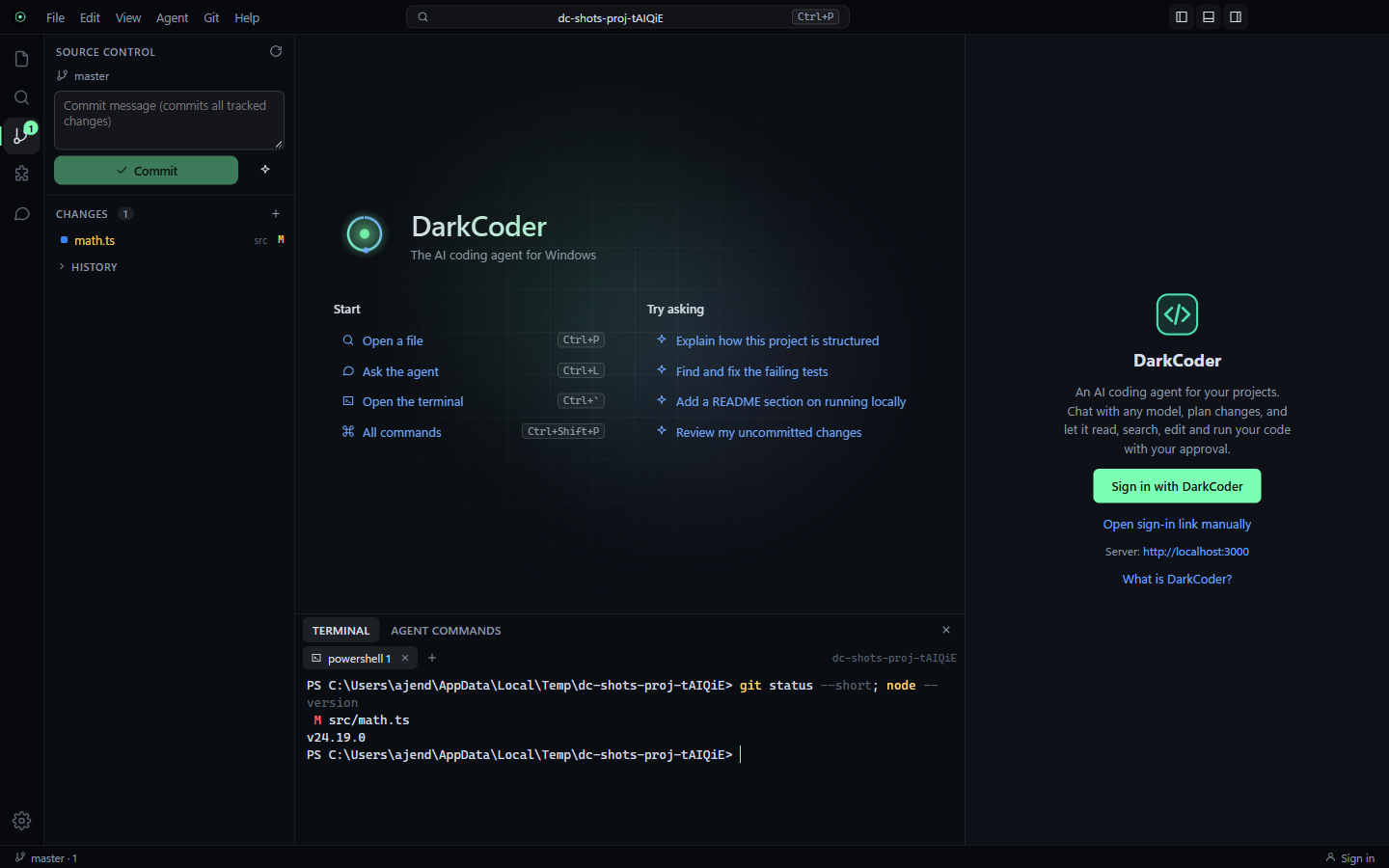
Agent, editor and diffs
Chat, Plan and Agent modes in one window. The agent reads, searches and edits your project, and every change opens as a side-by-side diff you approve.
A real terminal
PowerShell, cmd, PowerShell 7 or Git Bash in tabs, with colors and interactive programs. Commands the agent runs stream into their own panel.
Any AI provider
DarkCoder's models with your account, or your own key for OpenAI, Anthropic, Gemini, OpenRouter, Groq, DeepSeek, Mistral, xAI, Ollama and LM Studio.
MCP extensions
One-click MCP servers for GitHub, Playwright, Chrome DevTools, Context7 docs, filesystem and more, or connect your own over stdio or HTTP.
Rules and commands
The agent follows your AGENTS.md, CLAUDE.md and .darkcoder/rules, plus your own slash commands for prompts you reuse.
darkcoder CLI
The same agent in any terminal: darkcoder for a session, darkcoder -p "fix the build" for one task. It shares the app's sign-in and settings.
Git built in
See changes, stage, commit and switch branches. Ask the agent to review your diff or write the commit message.
Safe by default
Folder trust, per-step approval, undo for every agent change, and keys encrypted with your Windows account.
Automatic updates
New versions install in the background and are verified before they run. Light and dark themes, and it fits any screen size.
Install and sign in
- 1Download and run the installer. It installs for your Windows account, so it doesn't need admin rights.
- 2Choose Sign in with DarkCoder. Your browser opens; check the account and press Allow.
- 3Open a project folder, or right-click any folder in File Explorer and choose Open with DarkCoder.
- 4Pick a model and ask. Use Settings → AI providers to add your own keys, and CLI & editors to install the darkcoder command.
Windows may show a SmartScreen notice the first time you run the installer. Choose More info, then Run anyway.
Privacy
With DarkCoder's models, your messages and the files the agent reads go to DarkCoder and the model you choose, under the same rules as the VS Code extension. With your own provider key, requests go straight from your PC to that provider; the key is encrypted with your Windows account and never sent to DarkCoder. The app signs in with a revocable device token, never reads .env or key files on its own, and you can revoke it any time from your account.